Social media & marketing
What to post before, during and after a product launch
Build a two-week product launch social media calendar, with a sample shoot list, post ideas and a way to measure demo enquiries.
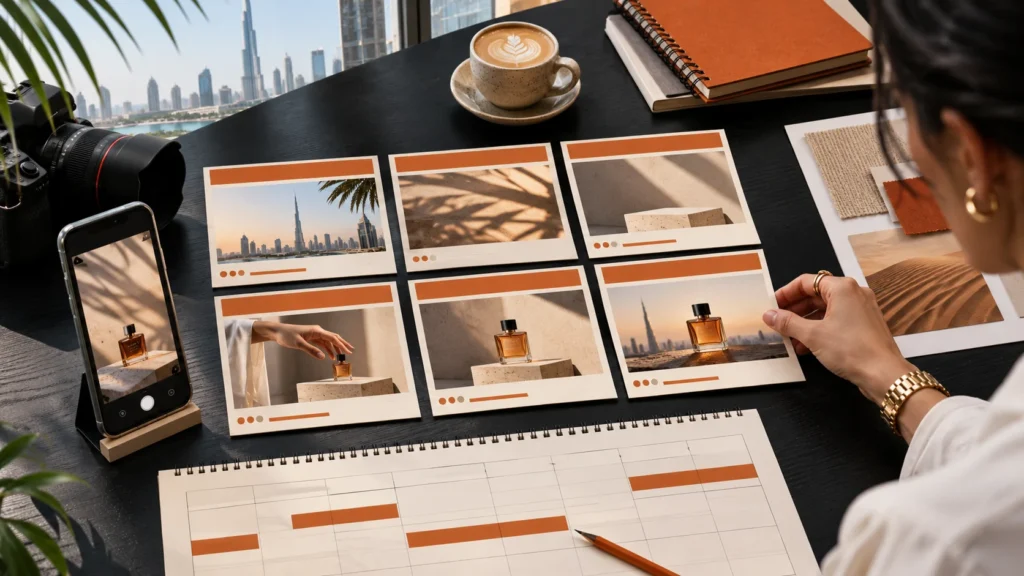
Imagine a Dubai business introducing a booking tool to independent salons. “Our platform is live” tells salon owners very little. A short clip showing a customer moving an appointment while the stylist keeps working gives them a reason to watch. That small scene can carry a launch campaign from the first teaser to the follow-up demo.
Choose the action before you plan the posts
In this example the goal is a booked demo. The destination is a mobile-friendly booking page with Dubai appointment times and a confirmation message. Test that journey before scheduling the reveal. Then decide whose approval you need for product claims, pricing, screenshots and any Arabic or English copy your audience will see.
A two-week product launch content calendar
Use launch day as day zero. This sample covers six publishing moments over fourteen days. Adapt the spacing to your audience and the time your team has to handle replies.
- Day −6 · Ask a question. Show a busy reception desk and ask salon owners how they handle changes during peak hours. Save their wording for the demo script.
- Day −3 · Show a preview. Film one appointment being moved on a phone. End on the updated calendar so viewers can see what changed.
- Day −1 · Invite the right audience. Publish the demo time in Gulf Standard Time, explain who it is for and link directly to registration.
- Day 0 · Release the walkthrough. Pin a captioned clip with the product name, the problem it solves and one booking link. Assign someone to answer questions.
- Day +3 · Answer a real objection. If several owners ask about staff availability, record that exact workflow. If a feature is still in development, give the current answer plainly.
- Day +7 · Help undecided buyers. Share a short FAQ based on actual replies and leave the next available demo date visible.
What should you capture in one shoot?
Record a clean screen capture with fictional customer details, a wider shot showing the tool in use, a close-up of the result and a short explanation from someone who knows the product. Leave space for captions and record a few quiet seconds at either end. Give the editor the approved spelling of the product name and the exact demo URL.
Measure the journey from post to enquiry
Give each post a tagged link and record the platform, creative, link clicks and completed bookings in the same calendar. If a clip earns clicks but few bookings, open the form on a phone and check the available slots before reshooting the video. If one question keeps appearing in comments, it is a candidate for your next post and your sales FAQ.
For your own campaign, replace the salon scenario with one customer, one recognisable problem and one action you can measure. Those three decisions give the photographer, copywriter and community manager the same brief.
AB Global can plan your launch calendar, produce the social content and help you track which posts lead to demo enquiries.